jFxKasse
Simple POS (Point of Sale) system for small to medium-sized events with receipt printer support.
Requirements
- Java JDK 21+
- Maven 3.9+
- Display >= 1366x768
Video Tutorials (German | Deutsch)
YouTube Video: jFxKasse - Kassensystem - Kurzanleitung
YouTube Video: jFxKasse - Kassensystem - Installieren
Setup (VSCode on openSUSE Tumbleweed)
1. Install dependencies
sudo zypper install java-21-openjdk java-21-openjdk-devel maven
2. Install VSCode extensions
Open the project in VSCode. You will be prompted to install the recommended extensions:
- Extension Pack for Java (
vscjava.vscode-java-pack) - Maven for Java (
vscjava.vscode-maven) - Language Support for Java (
redhat.java)
3. Build & Run
# Compile
mvn compile

# Run via Maven
mvn javafx:run

# Package as fat JAR
mvn package
java -jar target/jFxKasse-shaded.jar
Or use the preconfigured VSCode tasks (Ctrl+Shift+B) and launch configurations (F5).
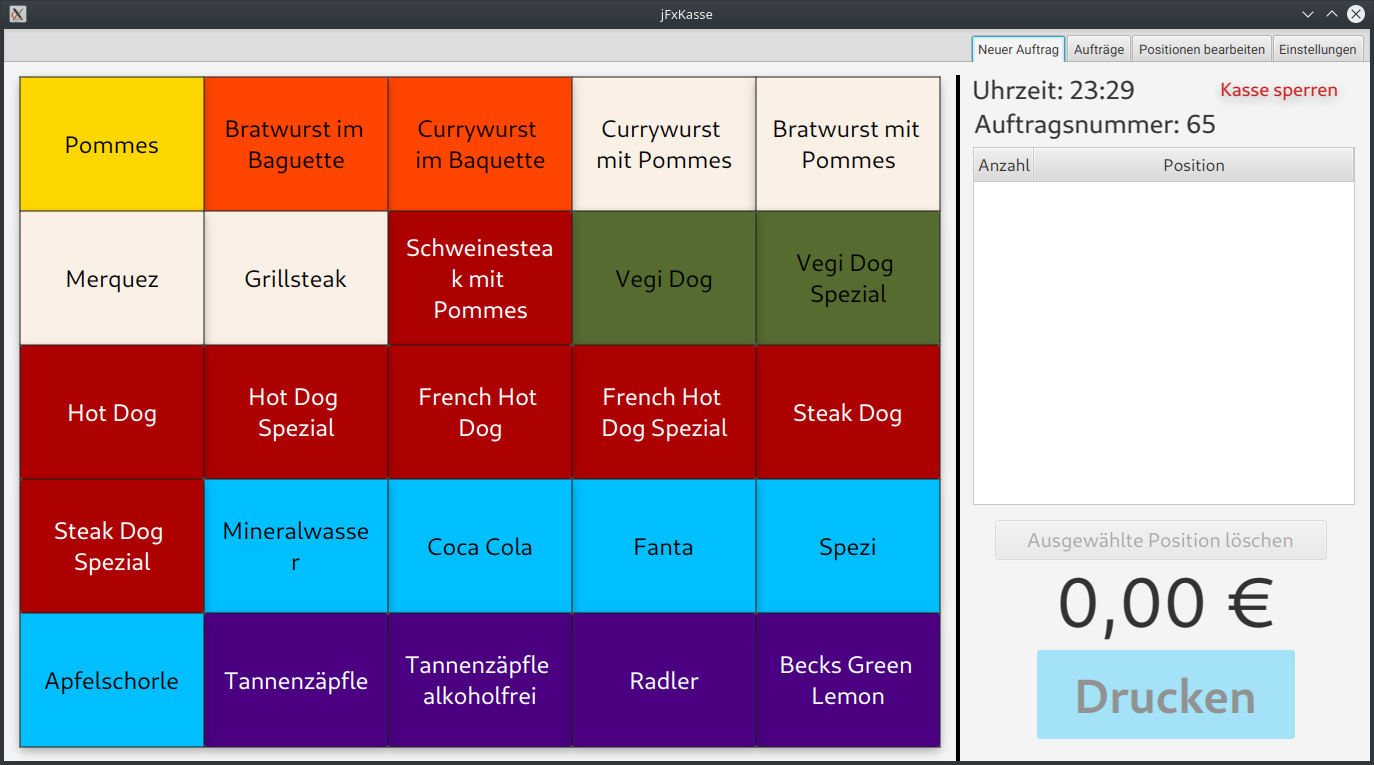
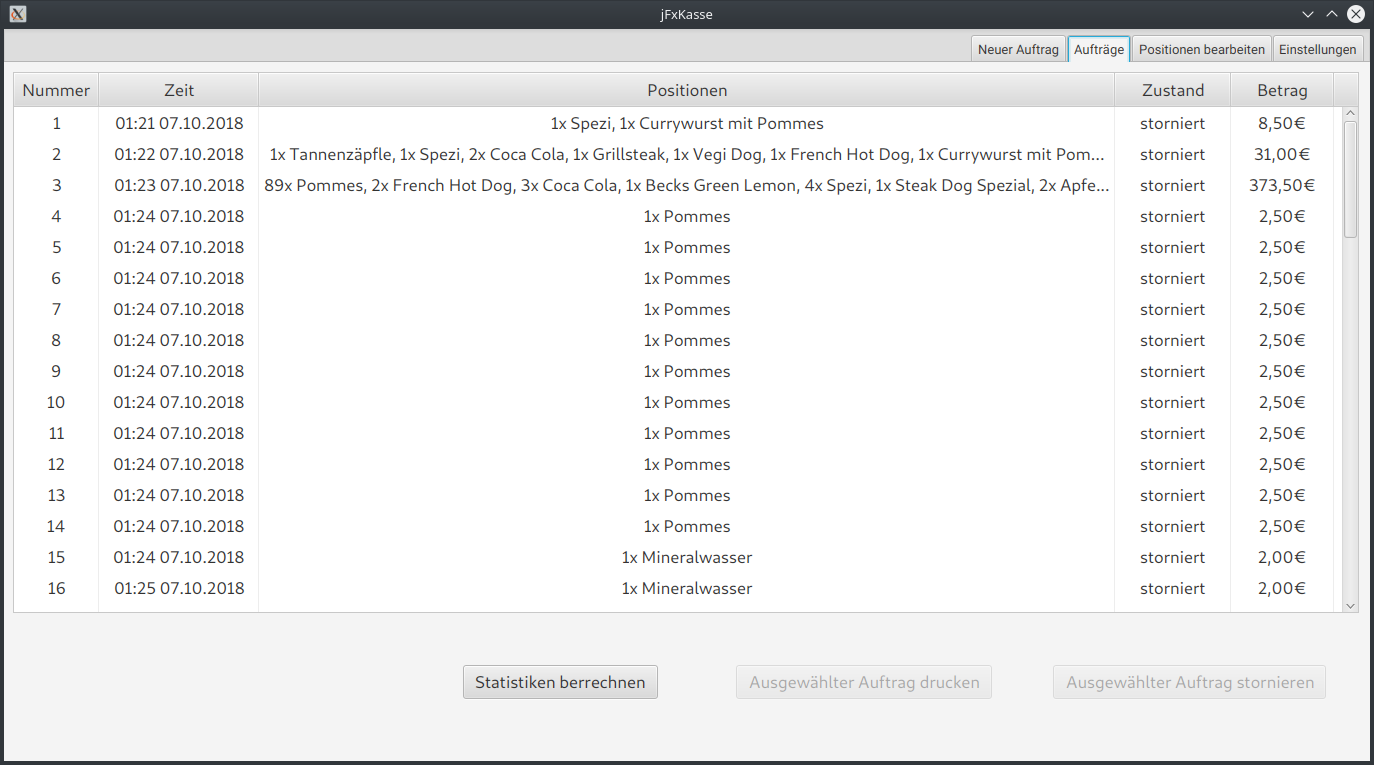
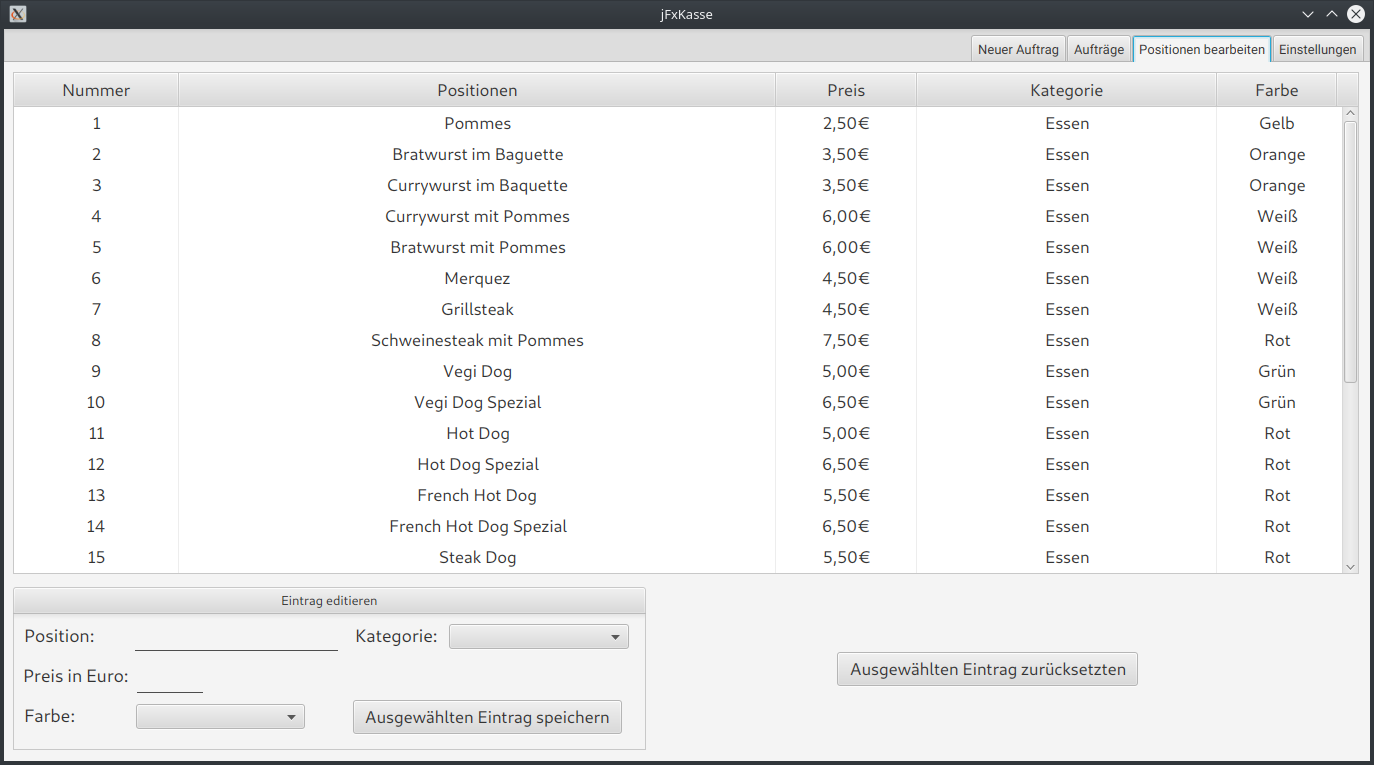
Screenshots
| Main View | Jobs | Positions | Settings |
|---|---|---|---|
 |
 |
 |
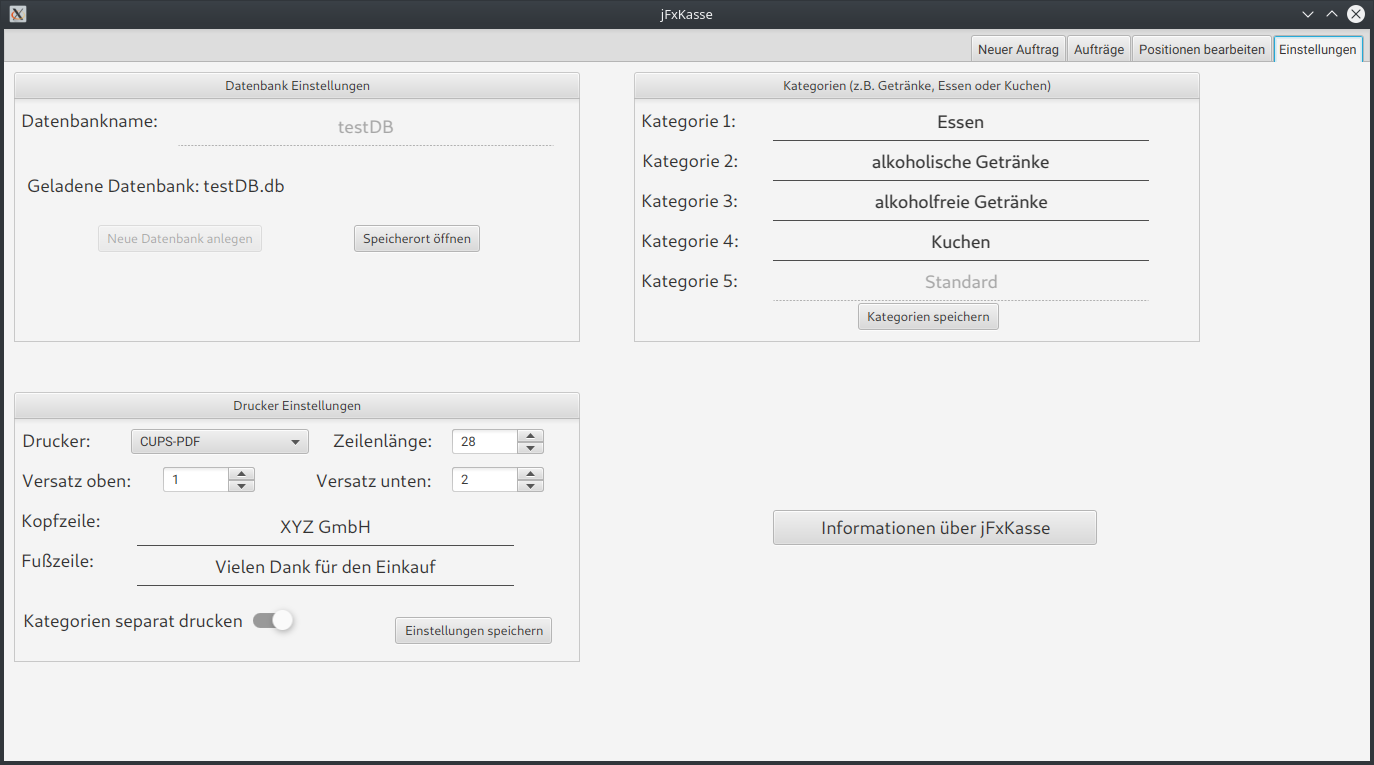 |
Hardware
Tested with: Epson TM T20II. Other receipt printers should work as well.
Tools
merge_db
Merges multiple SQLite databases into one file with automatic deduplication.
Reference tables (category, positionen) are deduplicated by content; jobs rows are appended in order with re-sequenced IDs to avoid conflicts.
python tools/merge_db.py -o OUTPUT_DB INPUT_DB [INPUT_DB ...]

# Example
python tools/merge_db.py -o merged.db 02.db 03.db 04.db
License
GPL-3.0